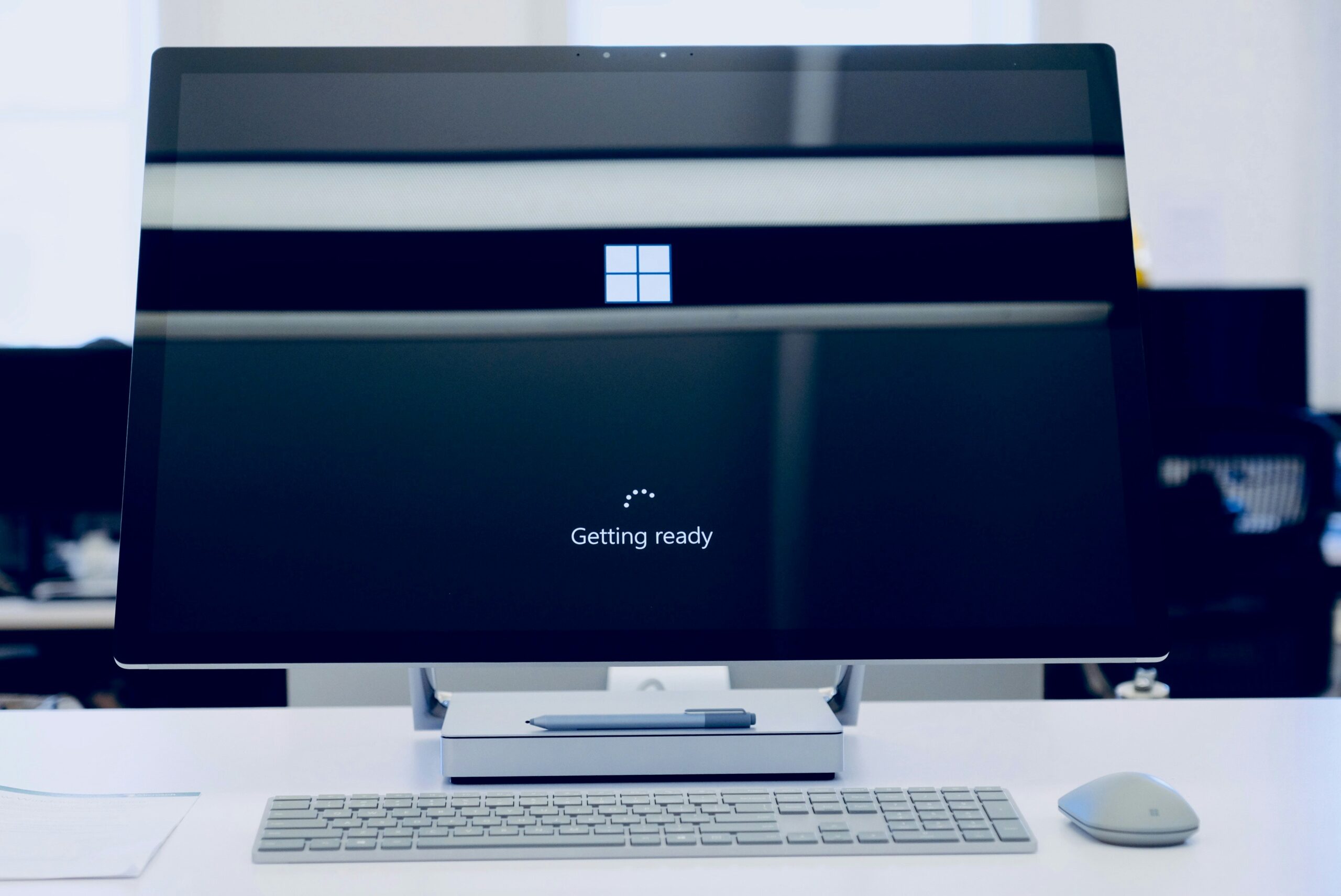
Still on Windows 10? Here’s Why You’re Putting Your Business at Risk
Windows 10 reached the end of support on October 14, 2025. If computers in your office still run it, they will keep starting up and opening files, which is exactly why this is easy to ignore. But the risk grows each month, and it is one you can fix with a plan.
What “end of support” means
Microsoft stopped providing free security updates, bug fixes and technical support for Windows 10. The computers do not stop working. They stop receiving fixes for newly discovered security holes. Attackers study each month’s updates to Windows 11 and other supported systems, and learn which flaws exist. Computers that never get the fix remain open to them.
Why this is a real risk for your business
- Ransomware and data theft. An unpatched computer is a ready entry point, and from one machine an attacker can reach shared files and the rest of your network.
- Insurance. Cyber insurance applications ask about unsupported operating systems, and having them can raise your premium or limit coverage. See our post on cyber insurance renewal questions.
- Compliance. Regulations and contracts, such as HIPAA, PCI-DSS or customer security requirements, generally expect systems to receive security updates.
- Software support. Vendors drop support for older systems over time, so programs eventually stop updating or stop working.
Your three options for Windows 10
1. Upgrade to Windows 11
If the computer meets the hardware requirements, upgrading is the best choice: it is free for eligible machines, it keeps your files and programs, and it restores security updates. The requirements include a compatible processor, 4 GB of memory, 64 GB of storage, UEFI Secure Boot and a TPM 2.0 chip. Our post on five questions to answer before moving to Windows 11 walks through the checks.
2. Buy Extended Security Updates as a bridge
Microsoft sells Extended Security Updates for Windows 10 to businesses, per device, for up to three years. The first year is priced at $61 per device, and the price doubles each following year. Coverage is purchased by year and builds on earlier years. It is meant as a short bridge while you replace computers, not as a long-term plan. Check Microsoft’s current terms before you budget, since details can change.
3. Replace the computer
If a computer cannot run Windows 11, it is usually at least five or six years old. Replacing it is often the best use of money. A new business computer should last four to five years, comes with Windows 11, and is faster, which improves productivity.
How to plan the move
- Make a list of every computer, its age, the operating system it runs and who uses it.
- Sort them into those that can upgrade, those that need replacement and those you can retire.
- Check your software and equipment for Windows 11 support, and test your important programs first.
- Set a schedule, starting with computers that handle money, patient or customer data, or have internet-facing roles.
- Back up first, and test a restore.
- Isolate whatever cannot be moved yet. An unsupported computer should not hold sensitive data, and should be separated from the rest of the network.
Doing this in stages spreads the cost, and avoids last-minute buying when something breaks.
Get help with a plan
Our managed IT services cover hardware and software support, from purchasing to warranty services, which includes planning upgrades and replacements. Contact us about a plan for your computers, or start with a free network review of your network and Wi-Fi.
Frequently asked questions
Is Windows 10 still safe to use after October 2025?
Not for business use without extra protection. Without security updates, new flaws stay open. If you must keep a Windows 10 computer for a while, consider Extended Security Updates and isolate it from sensitive data and your main network.
What happens if I keep using Windows 10 and do nothing?
It will keep running, but it will fall further behind on security every month. The risk shows up as a higher chance of a break-in, trouble with insurance or compliance, and software that stops working.
How much does Windows 10 ESU cost for a business?
Microsoft prices it per device, starting at $61 for the first year, with the price doubling each year for up to three years. Confirm current pricing and purchase options with Microsoft or your IT provider.
Can my PC upgrade to Windows 11 for free?
Eligible computers can upgrade at no extra charge, as long as they meet the hardware requirements and have a valid Windows license. The PC Health Check tool or your IT provider can tell you which ones qualify.
Should I just buy a new computer?
If the computer is old, slow or cannot run Windows 11, usually yes. For a newer computer that only needs the upgrade, it is not necessary. Decide machine by machine.