How Small Business Ransomware Attacks Work (And How to Protect Against Them)
Ransomware attacks are not a single click that locks your files. It is a process, often days long, and almost every step can be stopped. Knowing how a typical attack unfolds shows you where your defenses matter most.
Verizon’s 2025 Data Breach Investigations Report found ransomware involved in 44% of the breaches it analyzed, and in 88% of breaches at small and medium-sized businesses. Small companies are not overlooked. They are often easier targets, because attackers know many have fewer protections and no one watching.
How ransomware attacks usually unfold
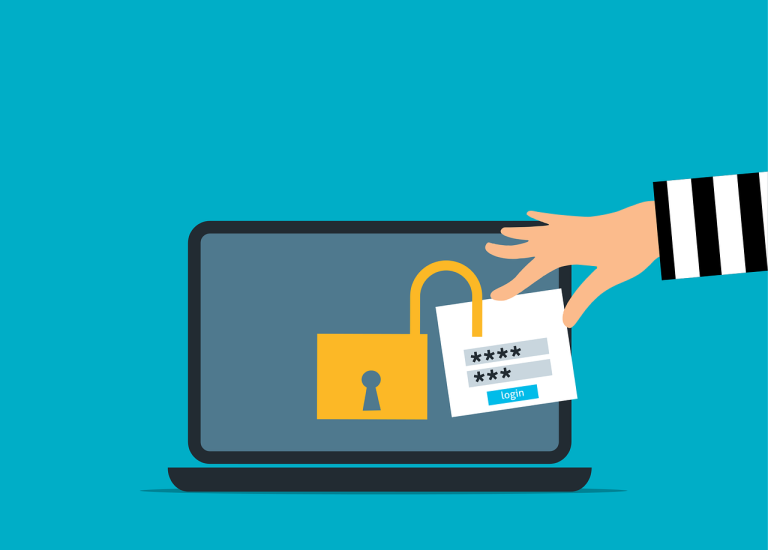
1. Getting in. The most common starting points are a phishing email that steals a password, a password stolen elsewhere and reused, a remote access service left exposed to the internet, or software that has not been updated. The attacker does not need to be clever, only to find one open door.
2. Quietly looking around. Once inside one account or computer, the attacker explores. They learn who works there, what systems exist, where the files and backups are, and which accounts have administrator rights. This phase can last days, and nothing visibly goes wrong.
3. Gaining more access. The attacker looks for stronger credentials, such as an administrator password saved in a file or an account with more access than it needs, and uses them to reach more systems.
4. Copying data and removing protection. Many attacks now steal copies of sensitive files first, to threaten publication as well as encryption. The attacker also looks for your backups and security tools and tries to delete or disable them.
5. Encrypting. Often timed for a weekend or evening, the attacker locks files on as many computers and servers as possible and leaves a ransom note. By this point, they have already done the harm. The note is the last step.
Where you can stop it
Each of the stages above has a matching defense, and you do not need all of them to make a real difference.
- Protect sign-ins. Require multi-factor authentication on email, remote access and administrator accounts, using the strongest method you can. See our post on moving beyond text message codes.
- Keep systems patched and remove anything exposed to the internet that does not need to be, especially remote desktop access.
- Limit what each account can do. Ordinary users should not have administrator rights, as explained in why employees should not have administrator access. Attackers move much more slowly when accounts have little power.
- Watch for unusual activity. Endpoint detection and response software, monitored by people, can spot and contain an attacker during the quiet stages, before the files are locked.
- Keep backups that the attacker cannot reach. At least one copy should be locked or offline, and you should have tested a restore. See what immutable backup means.
Email protection and staff training reduce the first step, and a written response plan saves hours when something happens. Our cybersecurity services cover many of these layers, and our managed IT services include monitoring and patching, with emergency support available 24/7.
If it happens to you
- Disconnect affected computers from the network, and from Wi-Fi, but do not turn them off if you can avoid it, as that can erase evidence.
- Call your IT provider and your insurance carrier right away. Many policies require prompt notice and offer incident response help.
- Do not rush to pay. Paying does not guarantee you get your data back, and it may not be necessary if you have working backups. Make that decision with experts, not under panic.
- Report it to the FBI at ic3.gov and to CISA.
- Change passwords and review access from a clean device once your IT provider says it is safe.
Where to begin
If you can only do one thing this month, turn on multi-factor authentication everywhere and check that you can restore from backup. Those two steps address the most common ways in and the way out. A free security review will show you where you stand on each of the five defenses above.
Frequently asked questions
Do hackers really target small businesses?
Yes. Attackers often use automated tools to find weak accounts and exposed systems, and size does not matter to them. Small businesses can also have fewer defenses, which makes them attractive.
What is the most common way ransomware gets in?
Stolen or reused passwords, phishing emails, exposed remote access and unpatched software are the usual entry points. Multi-factor authentication and prompt updates close most of them.
Should a business pay the ransom?
It is a hard decision with no guarantee. Paying may not return your data, may not stop the threat to publish stolen files, and may be restricted in some cases. Involve your insurer, legal advice and a response team before you decide.
How does a business recover without paying?
With backups that the attacker could not reach, and a rehearsed plan to rebuild systems. That is why tested, protected backups are the single most valuable preparation.
Are there free tools that help?
Yes. Turning on multi-factor authentication, enabling automatic updates and using the built-in protections in Windows and Microsoft 365 cost nothing but time. CISA also publishes free guidance and scanning services for small organizations.