How to Spot a Scam Email Now That They Look Real
For years the advice was to look for spelling mistakes and clumsy wording. That advice has stopped working. Scammers now have tools that write clean, convincing messages in any style, so a scam email can read just like a real one. The good news is that the best clues were never about grammar.
Why the old advice stopped working
Writing tools, including AI, let anyone produce fluent messages, adapt them to a company’s tone and translate them into perfect English. Scammers also pull real details from public sources: your company name, the people on your team, the software you use, even a project that was in the news. The result is a message that looks relevant and polite.
Spam filters catch a great deal of this, but not all of it. A message that is personalized, sent from a real compromised account or a fresh domain, and contains no obvious bad link can get through. Your team is the last line of defense.
It is not just email anymore
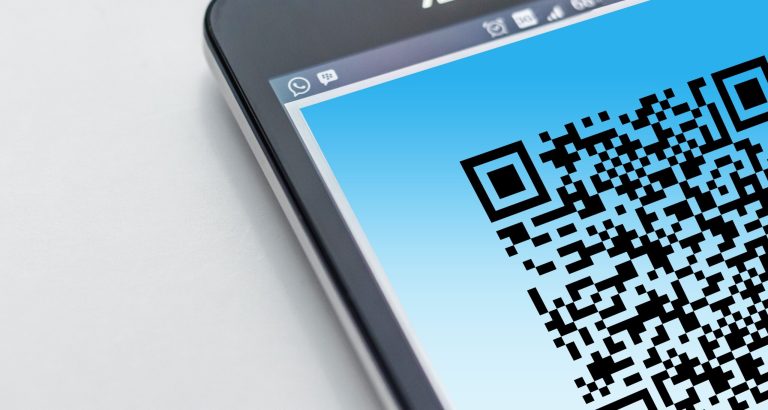
The same tricks arrive by text message, phone call, chat and social media, and in QR codes in an email or on a poster. Our posts on QR code scams and deepfake voice scams cover those. The habits below apply to all of them.
Signs of a scam email that still work
Instead of asking “does it look right?”, ask what the message wants you to do.
- It creates urgency or fear. Your account will be closed today, a payment is overdue, the boss needs this in ten minutes.
- It asks for something unusual, such as gift cards, a wire transfer, a change to bank details, a password, or a verification code.
- The sender does not quite fit. The address is slightly off, the domain is new, or the message came from a person’s real account but asks for something they would never ask.
- It pushes you to a link or an attachment to sign in, review a document or confirm details.
- It asks you to keep things quiet or to skip the usual process.
- The link does not match its text. Hover over a link on a computer to see the real address, and treat shortened or unfamiliar ones with suspicion.
- It is not what you expected. A shared document from someone you do not work with, or an invoice for something you did not order.
None of these proves a message is fake, and a real one can be urgent too. They are reasons to stop and verify.
How to protect your team
- Verify through another channel. If a message asks for money, access or sensitive information, confirm by calling a number you already have, not one from the message.
- Go to the site yourself. Type the address or use a bookmark instead of following the link.
- Make reporting easy. A “report phishing” button or one address to forward suspicious email to, and thanks for every report, even false alarms.
- Use multi-factor authentication on every account, preferably phishing-resistant methods, so that a stolen password is not enough. See passkeys.
- Train in short, regular doses, with realistic examples, not one long yearly session.
- Layer your defenses: email filtering, endpoint protection and protection for your domain. Our post on stopping scammers from using your company name explains one of them.
- Have a plan for what to do when someone clicks. Reporting right away is the most important step.
Our cybersecurity services cover email protection and helping your team recognize scams, and our Microsoft 365 support covers multi-factor authentication. A free security review looks at how your accounts and passwords are protected today.
Frequently asked questions
Can you still spot a phishing email by bad spelling and grammar?
Not reliably. Many phishing emails are now well written. Focus on what the message asks you to do and whether you can verify it another way.
What are the warning signs that still work?
Urgency, unusual requests such as money or codes, a sender that does not quite fit, a push to open a link or file, and a request to keep it secret.
Is AI-generated phishing really more effective?
It makes convincing messages cheaper and faster to produce and to personalize, which tends to help scammers. That is why checking requests matters more than checking writing quality.
Will my spam filter stop AI phishing?
It will stop a lot, but not everything. Treat the filter as one layer, along with trained staff, strong sign-in protection and a way to report suspicious messages.
What should staff do if they are not sure about a message?
Do not click or reply. Contact the sender using a known phone number or send the message to your IT provider or security contact to check.